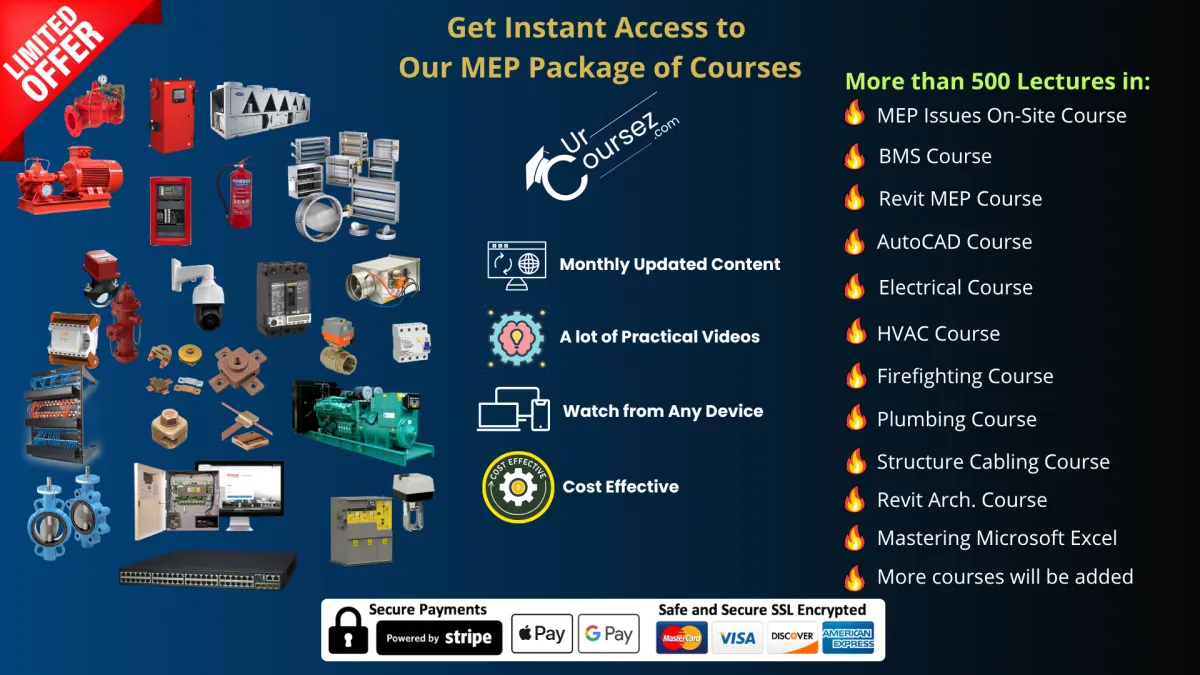
The Only MEP Package You'll Ever Need, +510 Lectures, +11 Courses, Updated Content
We Promise You This Package Can Change Completely Your MEP Career for Better
This is even you don't have any previous experience in the MEP


"I hope the success of urcoursez and the instructor Mohamed Zidan to be continued"
Lütfü Uluğ - Turkey

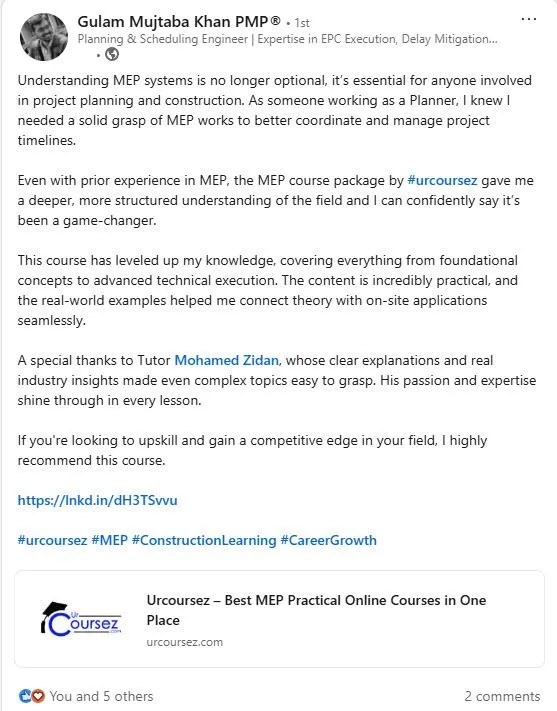
"Even with prior experience in MEP, the MEP course package by urcoursez gave me a deeper, more structured understanding of the field, and I can confidently say it’s been a game-changer."
Gulam Mujtaba - KSA

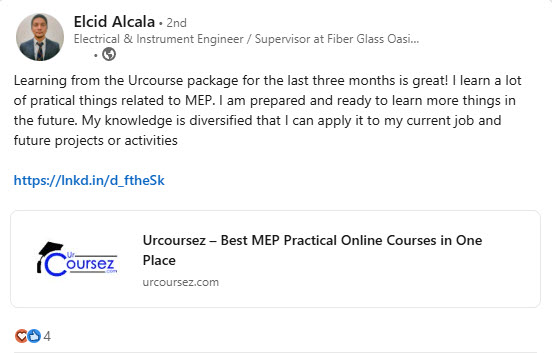
"Learning from the Urcoursez package for the last three months is great! I learn a lot of practical things related to MEP."
Elcid Alcala - Philippines

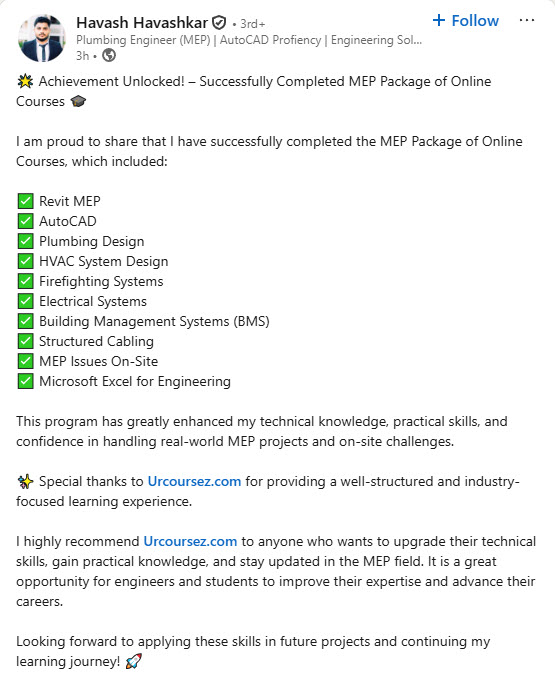
"This program has greatly enhanced my technical knowledge, practical skills, and confidence in handling real-world MEP projects and on-site challenges"
Havash Romania
Here's why this MEP Package of Online courses is the Best in the market
+16460
Our Customers
+510
Lectures
+11
Courses

To watch the contents of any course, just click on its name






MEP Issues On-Site to be avoided
This course is designed to provide a comprehensive understanding of common problems that can arise during electrical, mechanical, and ICT installations on construction projects.
We planned this course to include over 80 lectures covering a wide range of issues. Participants will learn how to identify, address, and avoid potential pitfalls that may occur during MEP works.
By enrolling in this course, individuals will gain the knowledge and skills needed to prevent costly mistakes, save time, and ensure the successful completion of their projects.
Whether you are a construction professional, project manager, or aspiring MEP technician, this course will equip you with the essential insights and practical solutions to navigate the complex challenges of MEP works on-site.
Building Management System Course
Imagine you are an engineer working on a project.
In this project, you have multiple MEP equipment like Chiller, primary Pumps, Secondary Pumps, MV Switch Gear, Transformer, Main Distribution Boards (MDB), Sub Main Distribution Boards (SMDB), Generator, Air Handling Units (AHUs), Fan Coil Units (FCUs), Variable Air Volumes (VAVs), and other equipment.
So controlling and monitoring all this equipment will be impossible without the BMS System.
Hence, your company will seek an engineer capable of supervising the installation of this system for the project.
So, if you have this skill, the company may promote you to a better position, as not all the engineers understand this system. Moreover, they may increase your salary.
But if you don't have this skill, they may hire another engineer who does, plus he may have the other skills that you have. Imagine, in this case, what your company will do with you???
Revit MEP Course
Here is a summary list of what do we plan to explain in this course:
Setting up a template for your project.
How to link the architecture model of your project and how to manage it.
Adding grids and levels to your project.
How to create the different plans for your project.
How to link the different MEP-designed drawings to your project.
The difference between parameters and filters and how to use them.
The visibility graphics and how to apply a template.
The difference between scope box and section box and how to use them.
How to add the different HVAC Ducting system components like Ducts, Duct fittings, Air terminals, …etc.
How to add HVAC Piping system components like pipes, pipe fittings,…etc.
How to create a 3D model.
How to place and modify plumbing fixtures and equipment.
How to place and modify the firefighting equipment.
How to place and modify the firefighting pipes and accessories in your project.
How to place and modify the firefighting sprinklers.
How to place and modify lighting fixtures in your project.
How to place and modify Data Outlets in your project.
How to create electrical circuits for your project.
How to create circuits with low current devices in your project.
How to create a cable tray complete with accessories and modify it.
How to check the clashes between the different MEP systems in your project.
How to export a clash report of your project.
How to solve the clashes.
How to use Dynamo in your project.
How to create sheets and modify the block title of your project.
How to add different views in the drawing sheets.
How to create family annotations and use them in your project.
How to extract shop drawings from Revit.
How to use duct schedule in Revit.
How to use duct fittings schedule in Revit.
How to use Air Terminals, Duct Accessories, and Mechanical Equipment Schedules in Revit.
You will learn the Pipes and Pipes Fittings Schedules in Revit.
The Pipes Accessories, Plumbing Fixtures, and Sprinklers Schedules in Revit.
Cable Tray and Cable Tray Fittings Schedules in Revit.
Electrical Wires Schedule in Revit.
Lighting, Power, and Data Devices Schedules in Revit.
How to Assign Room Name to MEP Elements from Linked Architectural Model Using Dynamo.
How to Run the Dynamo Script by the Dynamo Player.
How to Reflect the Site Progress on the Model and Extract the Schedules.
How to show Pipe Sleeve Opening & Duct Opening By Dynamo.
How to create a Final Report by Excel Macro in Revit.
How do you show Pipes Fittings Quantity as per POMI by Dynamo?
And many awesome things you will discover in this course.
HVAC System Course
Here is a summary list of what do we plan to explain in this course:
Types of Chillers.
Types of Chilled Water Pumps.
Air Handling Units and their types.
Fan Coil Unit and its types.
Types of Air Dampers.
Hook-up of the chiller.
Hook-up of Pumps.
Hook-up of AHU.
Hook-up of FCU.
Types of Chilled Water Pipes.
Types of Air Outlets.
Types of Ducts.
Types of connections of Ducts.
Types of Duct's insulation.
Air Balancing.
Water Balancing.
First Fix.
Second Fix.
Third Fix.
Tools.
Testing & Commissioning.
And many awesome things you will discover in this course.
Firefighting System Course
Here is a summary list of what do we plan to explain in this course:
Types of Manual Firefighting Systems.
Types of Automatic Firefighting Systems.
Fire Extinguishers.
Fire Hydrant.
Siamese Connection.
Fire Hose Cabinets classes.
Types of Sprinklers.
Fire Water Tanks.
Sequence of Operation of FF Pumps.
Types of Firefighting Pumps.
Hook-up of fire pumps.
PRV.
Sensing Lines.
Fire Control Panels.
Types of flanges.
Difference between types of pipes.
How to choose the firefighting pumps.
First Fix.
Second Fix.
Third Fix.
Tools.
Testing & Commissioning.
And many awesome things you will discover in this course.
Plumbing System Course
Here is a summary list of what do we plan to explain in this course:
Booster Pumps.
Water Supply Network.
Drainage Networks.
Types of water pipes.
Types of water tanks.
Types of water pumps.
Types of water closets.
Water Hammer Arrestors.
Most Important Documents.
Most Important Drawings.
Hook-up of fire pumps.
First Fix.
Second Fix.
Third Fix.
Tools.
Testing & Commissioning.
And many awesome things you will discover in this course.






Electrcial Installation Course
Here is a summary list of what do we plan to explain in this course:
Medium Voltage Switch Gear.
Ring Main Unit “RMU”.
Package Substations (Kiosk).
Electrical Pillars.
Transformer.
Generator.
UPS.
Panels.
Infrastructure Works.
Cables.
Cable Jointing.
Cable Trays
Lighting System.
Lightning Protection System.
Earthing System.
First Fix.
Second Fix.
Third Fix.
Tools.
Testing & Commissioning.
And many awesome things you will discover in this course.
Structured Cabling Course
Here is a summary list of what do we plan to explain in this course:
Types of Copper Cables.
Types of Connectors.
Types of Data outlets & points.
Connection with the CCTV system.
Connection with the ACS system.
Connection with the MCS system.
Connection with the Telephone system.
Connection with other ICT systems.
Infrastructure Works.
Types of Data Racks.
Passive Components.
Active Components.
Types of Switches.
Types of Patch Panels.
Types of Fiber Cables.
Most Important Drawings.
Most Important Documents.
First Fix.
Second Fix.
Third Fix.
Tools.
Testing & Commissioning.
And many awesome things you will discover in this course.
AutoCAD Course
Here is a summary list of what do we plan to explain in this course:
Introduction and how to get started with AutoCAD.
AutoCAD User Interface.
Navigation Tools.
Understanding Co-ordinate System.
Unit and status bar setting.
Saving settings as a drawing template.
DWG History feature.
Making selections.
Making lines.
Making lines using polar coordinates.
Circles.
Arcs.
Ellipses.
Rectangle.
Polygons.
Introduction to polyline and spline.
Points and revision clouds.
Construction line and ray.
Move and Copy command.
Rotate command.
Offset command.
Mirror and Scale.
Trim and extend.
Erase, Explode, and overkill.
Stretch command.
Break and Join.
Fillet and chamfer.
Lengthen and Reverse.
Grid and Snap.
Polar and Ortho mode.
Dynamic input.
Simple object snaps.
More object snaps.
From snap.
More status bar options.
Rectangular array.
Polar array.
Path array.
Divide and measure.
Using multifunction grips.
Align command.
Finding Distance, Radius, angle and co-ordinates.
Quick measure tool.
Finding area.
Making Isometric drawings.
Centerline and center mark tools.
Region and Boolean operations.
Assigning object color and Line-type.
Assigning line weight and transparency.
Checking object properties.
Model space viewports.
Creating named views.
Creating basic hatches.
Set origin and Associative hatch.
Using advanced hatch features.
Boundary and wipeout features.
Creating gradients.
Creating and assigning layers.
Using layer properties manager.
Working with layer states and Layer walk.
Working with layer filters.
Laymrg and laydel commands.
Quick access layer tools.
Hiding and isolating objects.
Creating basic dimensions.
DIM command.
Modifying dimensions.
Creating dimension style.
Creating dimension style override.
Continue, Baseline, and ordinate dimensions.
Adding tolerances and dual dimensioning.
Adding feature control frame.
Creating multileader.
Modifying multileader.
Creating Multileader style.
Creating single-line text.
Creating text style.
Creating multiline text.
Creating and formatting table.
Creating table style.
Adding fields and formulas in a table.
Exporting and Importing table to MS-Excel.
Creating simple Blocks.
Inserting Blocks.
Blocks palette.
Modifying and redefining blocks.
Write block and Global blocks.
Inheritance in blocks.
Creating and using groups.
Working with group manager.
Making and modifying attributes.
Creating and inserting attributed blocks.
Using fields as block attributes.
Attribute manager.
Extracting attribute data.
Understanding external references.
Attaching X-ref.
Editing and clipping X-ref.
Managing X-ref with External references palette.
Attaching PDF and images.
Transmitting X-ref with e-Transmit.
X-ref compare feature.
And many awesome things you will discover in this course.
Microsoft Excel Course
Here is a summary list of what do we plan to explain in this course:
Go from a complete beginner to a proficient Excel user.
Learn to create workbooks and spreadsheets that everyone will be jealous of.
Acquire critical Excel knowledge.
Take control of your Excel data! Learn fast and efficient management techniques.
Enhance Your Excel Production with AI (Artificial Intelligence).
Learn all about: tables, charts, formatting, formulas and functions, macros, pivot tables/charts, and much more!
And many awesome things you will discover in this course.
AutoCAD 3D & 2D Practice Course
Here is a summary list of what do we plan to explain in this course:
Transitioning from basic theory to real-world, practical application.
Mastery of two-dimensional drawings through more than 72 diverse exercises.
Developing and practicing three-dimensional drawing techniques.
Hands-on experience with practical projects spanning various engineering disciplines.
Learning how to properly read and apply dimensions and notes to technical drawings.
And many awesome things you will discover in this course.
Other Lectures & Courses
We are adding lectures from time to time of new courses as follows:
Fire Alarm Course.
Public Address System
Swimming Pools course
And many awesome things you will discover in the future.

Get Instant Access to the Package Wih All Future Updates
This Great offer will be expired at anytime
Remeber This Monthly Subscription Offer is a Limited Time Offer at its Lowest Price Ever, Get Now This Deal Before it Expires and Secure Your Access and Start to Level-Up Your Career
That's All ???
Noooooo, but with purchasing this offer, you will also get these bonuses for free!
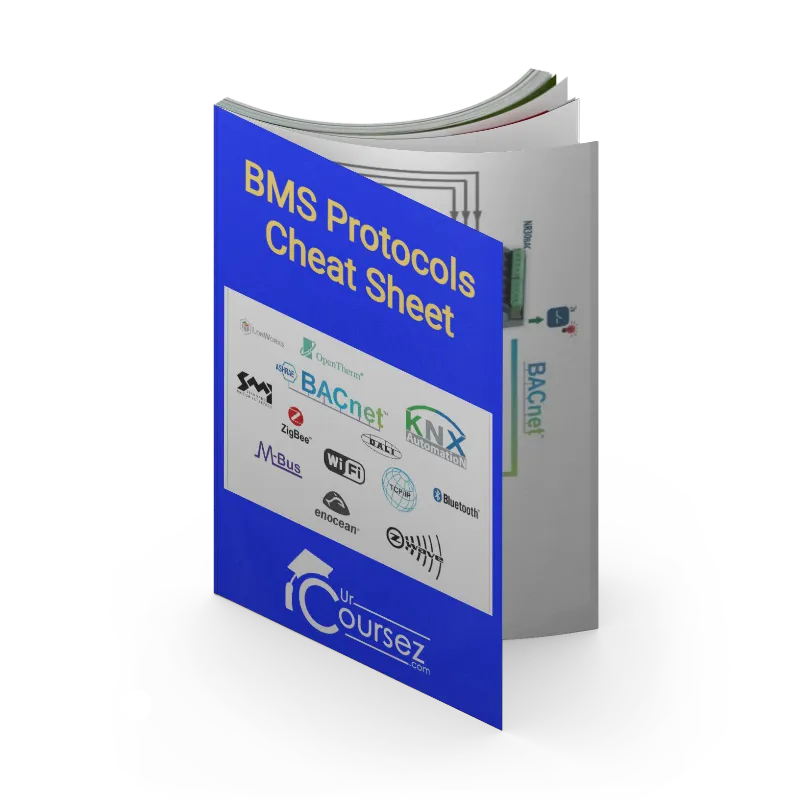
BMS Protocls Cheat Sheet, Normal Price is $17...But you will get if for free in this offer
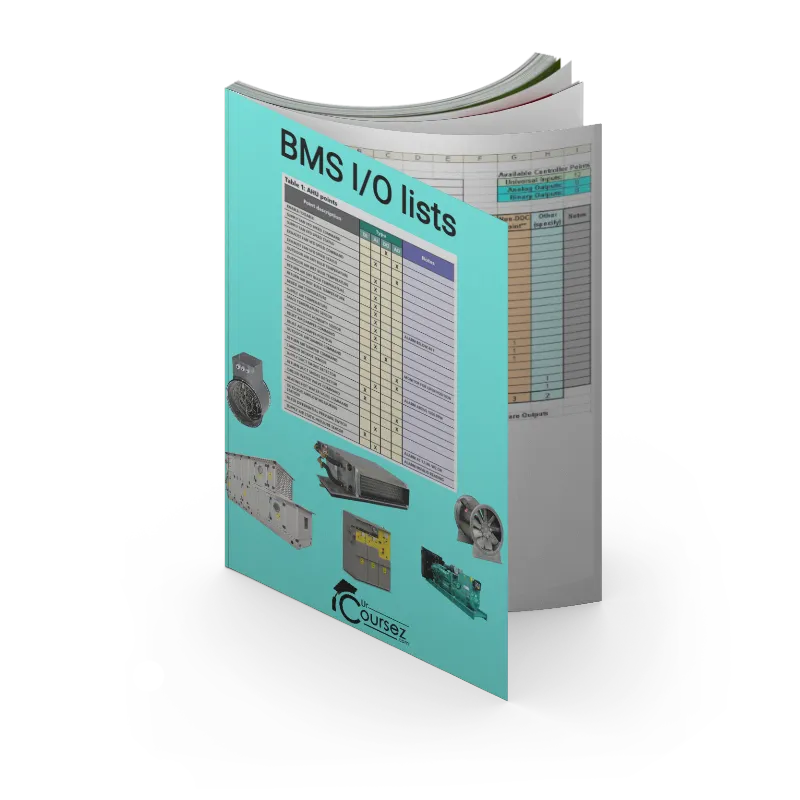
BMS I/O list of points, Normal Price is $19...But you will get if for free in this offer

Tutorial CAD files, Normal Price is $37...But you will get if for free in this offer
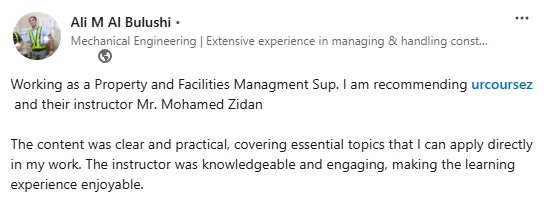
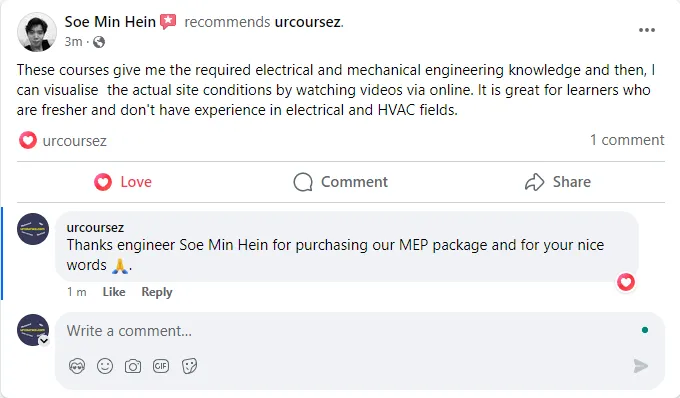
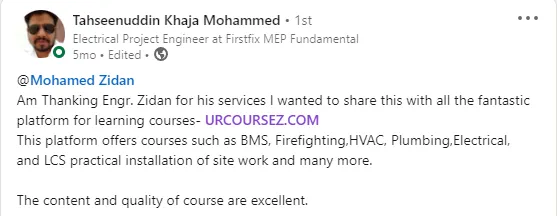
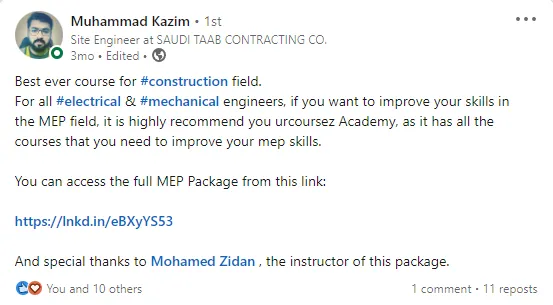
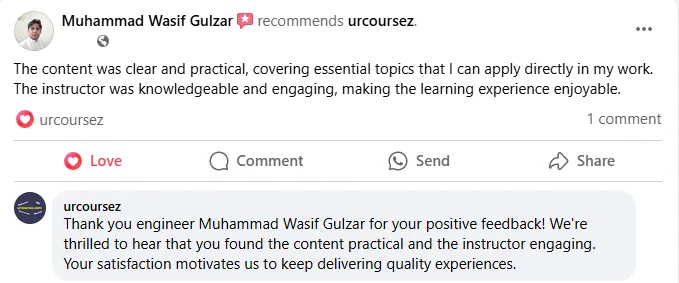
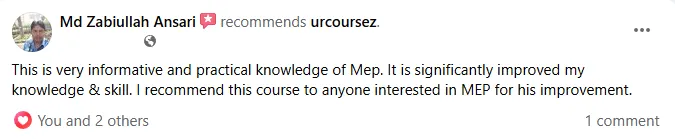
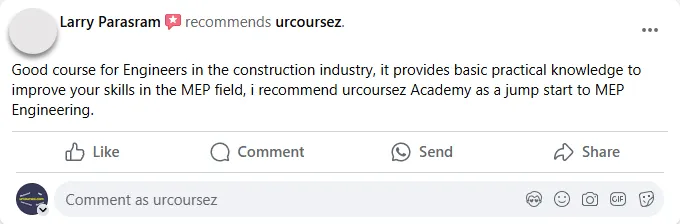
Don’t take our word for it.
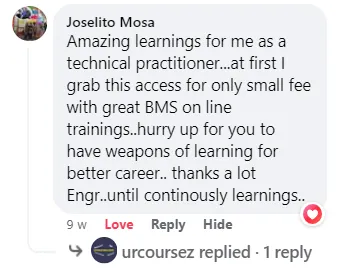
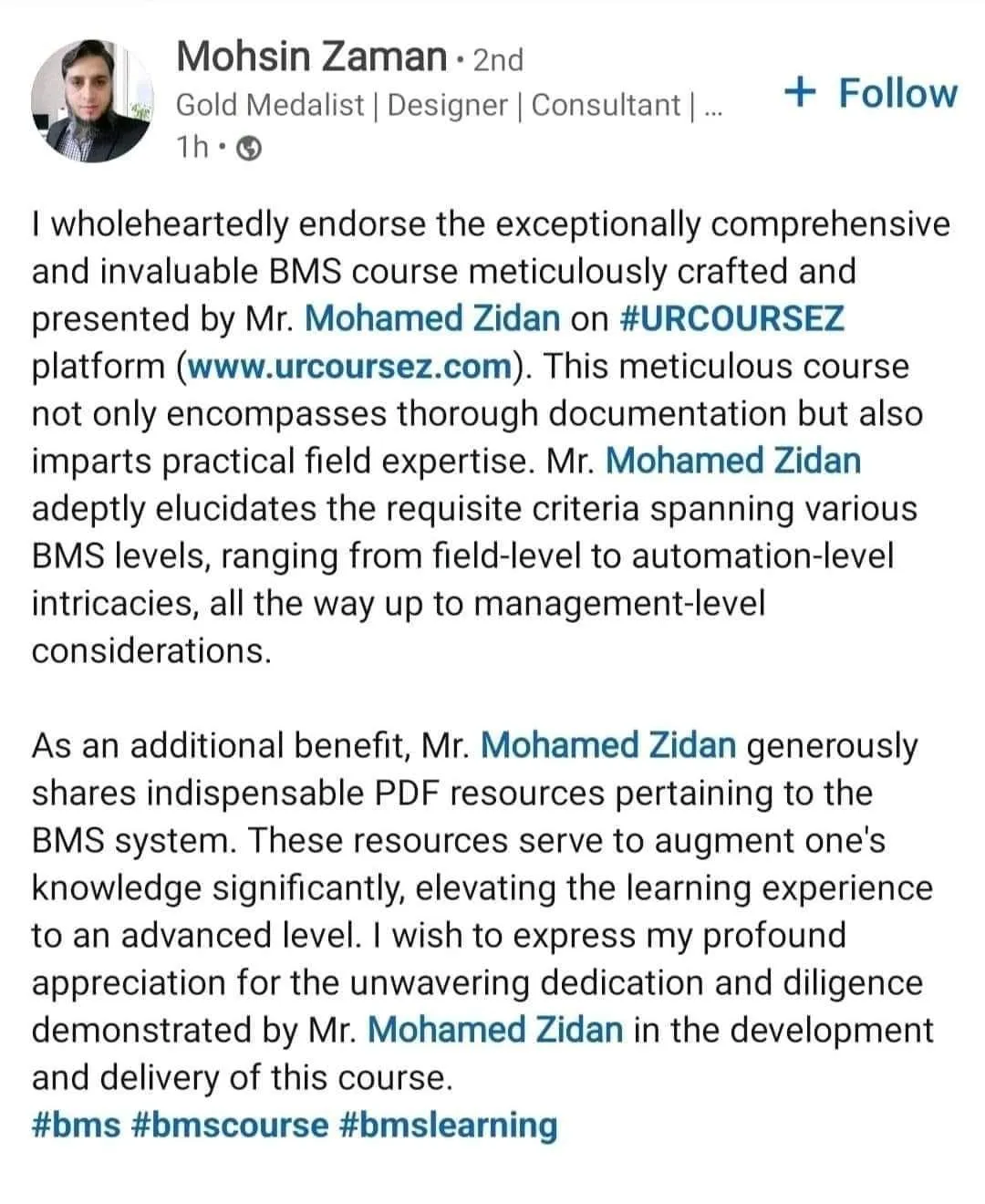
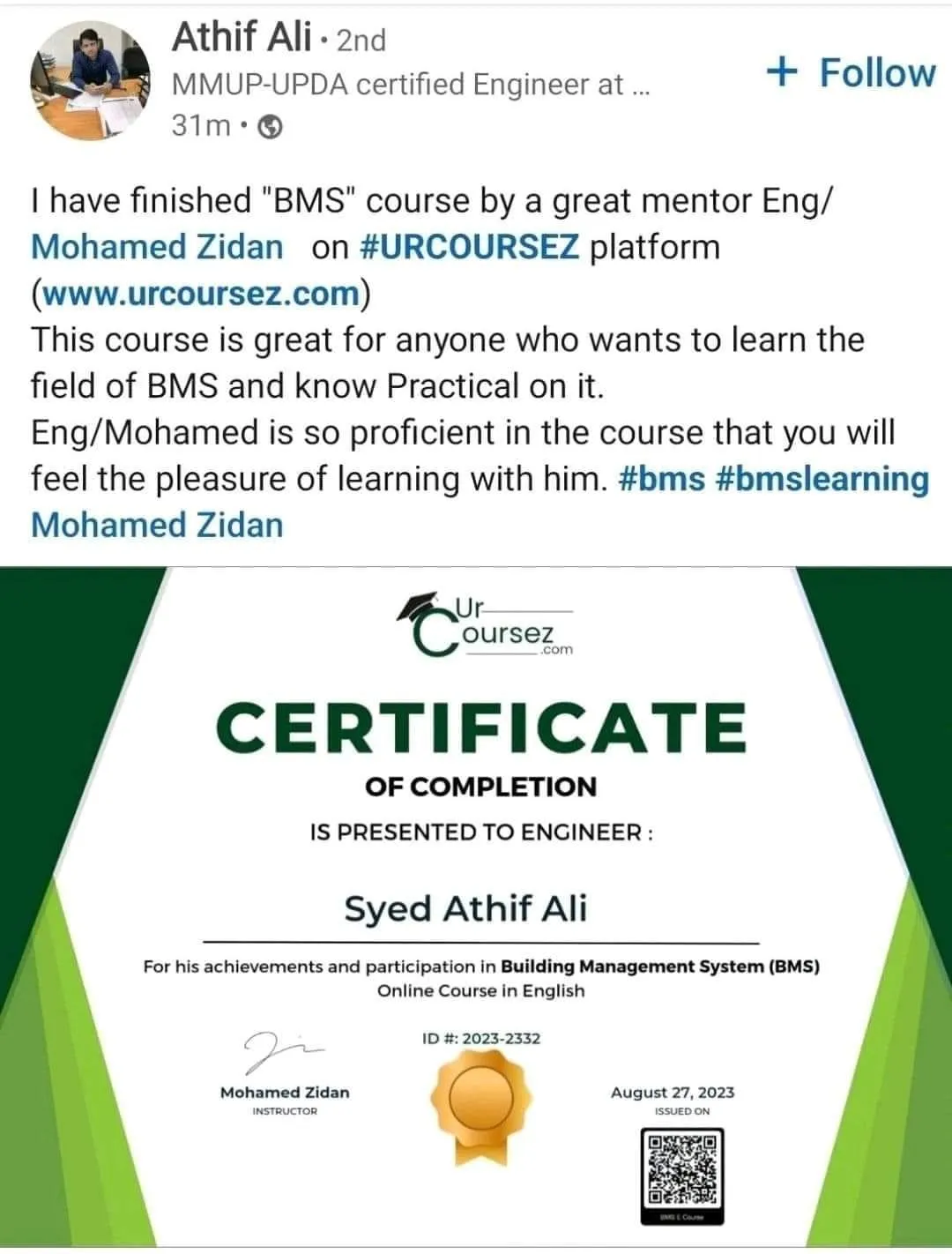
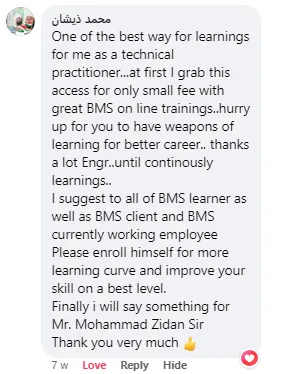
Listen to what our students are saying.













Frequently Asked Questions
How long will be the validity of this offer?
As your subscription is valid, you will have always to all the contents and courses in the package.
What do I need to watch for the course?
Only you need an internet connection and a device connected to the internet, like Laptop, PC, Mobile, or Tablet.
Is there any certificate?
Yes, after completing the course, you will receive a completion certificate.
Now I'm not free and don't have free time to watch this course
The good thing about this package is all the lectures are pre-recorded in high quality and uploaded to the website, so there is no need for any live attendance, so whenever you are free, you can watch the courses.
How many lectures are uploaded to this package?
As of today, the package includes +510 lectures, but this is not the end, as more lectures will be uploaded soon, and we expect that after a year from now, it will include +700 lectures. So if you purchase this offer now, you secure your access to the complete package at its lowest price ever.
Why is this course different than the other courses?
Because I brought you the practical installations & explanations of the different field devices on-site, I'm explaining how they are installed on the MEP equipment and the control and management levels practically. So while you are relaxing, you can watch step by step how things are installed in a proper way. Hence, no more imagining but reality.
How will I access the package?
After purchasing directly is confirmed, you will receive an email from us with your receipt, creating password's link and a login link to the package.
Is it safe to use my card on your website?
Your security is our top priority, and 100% your card details are in safe hands, as we are not storing your card details on our website, but all the payments are handled by the payment processor which is a world class payment processor, which is the same being used by Amazon.
What is the cancelation policy of my subscription?
You can cancel at any time you want.
How can I purchase the package?
We accept all types of online payment cards, like Visa & MasterCard, and you can pay using your local online card and the payment processor is resposible to convert the payment to USD as per the exchange rate.
Why the price of the package is very cheap?
Becuase we want to spread our knowldege with all engineers worldwide, and everyone has the right to learn.


You are a Mechanical Engineer.
You are an Electrical Engineer.
You are an ICT Engineer.
You work in the construction field.
You work in the MEP field.
You work in the Contracting field.
You work in the Consultancy field.
You work in the FM field.
You want to level-up your career.
You don't want to learn new things.
You are a lazy person.
You don't like Courses in English.
You don't want to improve your career.
You are not an ambitious person.
You don't like the MEP field.
You don't like video courses.
You don't like practical training.